
Team management
What one manager used to keep across a group chat and a spreadsheet moves onto a single screen.
01Members
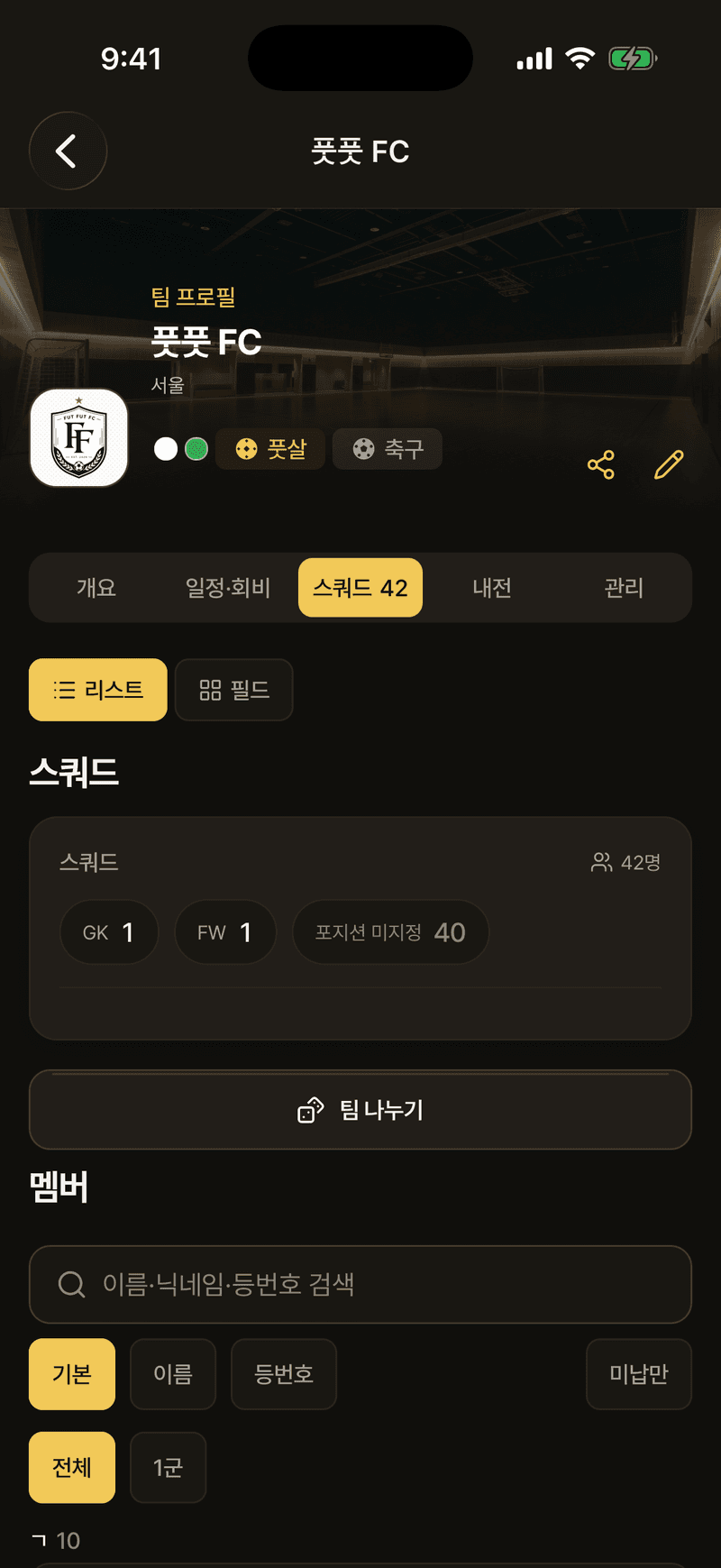
Add them by handle, or add a name-only entry for team-mates who don't use the app. Goals and appearances still build up for a name-only member, and they can claim them later with a hand-over code.
- A hand-over code stays valid for 7 days after it is issued
- An invite code can be reissued and shared at any time
- Requests that arrive through a code are approved or declined by the staff
02Squad
Give them a number, a position and a role, and the squad reads as a list or on the pitch. The line-up editor puts players on the slots the sport pack defines.
- Split the squad into up to nine groups, first team through ninth, and filter to one
- Formation slots are laid out differently for each sport
- The team screen also carries career results and the titles, runner-up and third places
03Schedule
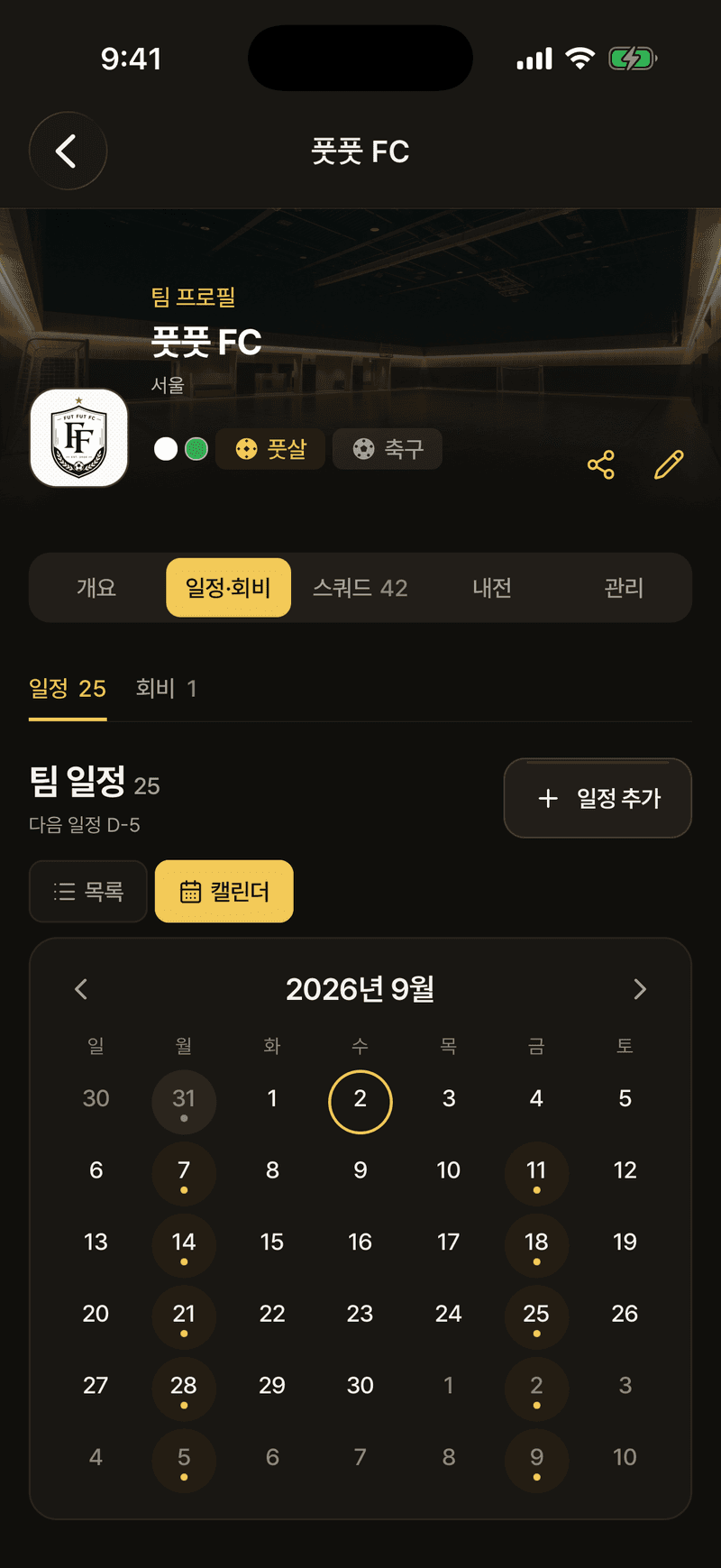
Write it as training, a practice match, a meeting or a get-together, and set a weekly, fortnightly or monthly repeat to keep the series going. Team-mates answer going, maybe or not going.
- For a repeating entry, choose whether to change this one or every one after it
- Read it as a list or a calendar; the combined tab puts league matches alongside
04Dues
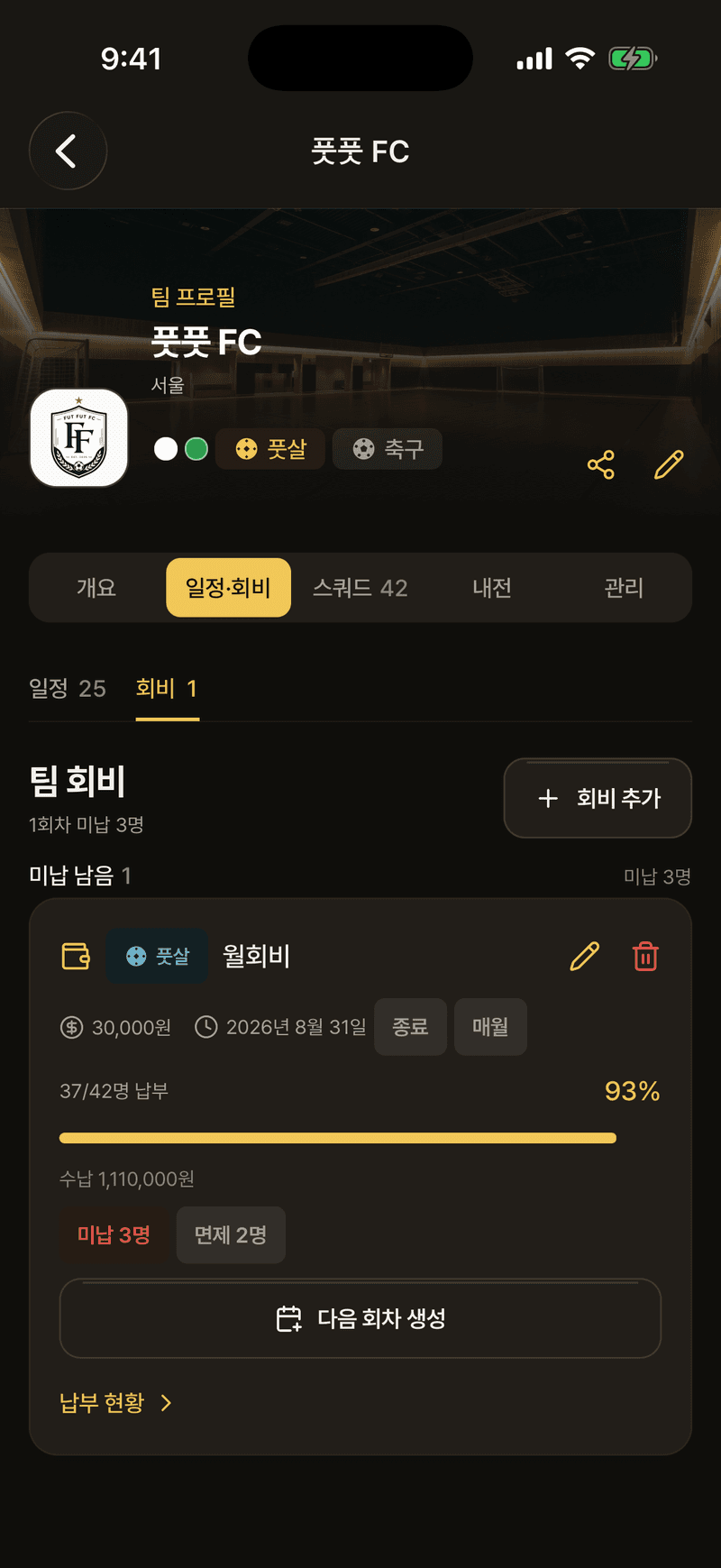
Create a round and every member gets a state: paid, unpaid, exempt or awaiting check. A member reports their own payment and the staff confirms it.
- A recurring due carries straight on into the next round
- The filter for unpaid members is on the member list too
05Board
What scrolls away in a group chat stays inside the team. A post put up as a notice is pinned to the top and everyone on the team is alerted. The board is for team-mates only, so from outside the team the list does not open at all.
- A post runs to 2,000 characters, a comment to 500, and takes up to four photos
- Notices and pinning are for the staff; posts and comments are for anyone on the team
- Deleting a post deletes its photos with it. Staff can restore the post, but the photos do not come back
- Discuss on a schedule entry or a match attaches the post to it
06Meet-up tools
The things you use before you meet. Put team-mates' locations on the map and it works out a midpoint, and there are four ways to split sides.
- Sides are drawn at random or balanced by tier
- The ladder takes up to eight people; the wheel and the coin decide on the spot and are not saved
- Tap a sport chip and the schedule, dues, scrims and squad narrow to that sport
07Guests and venues
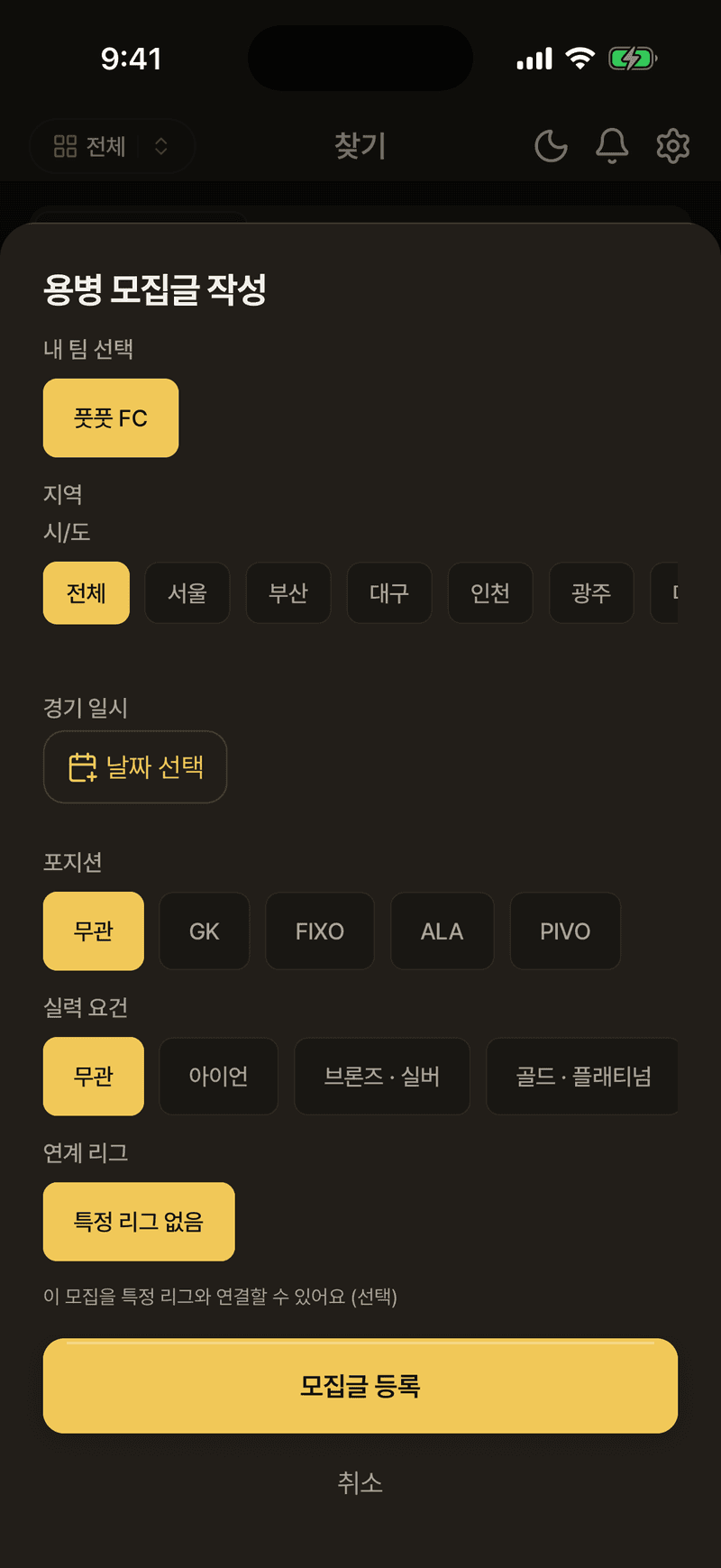
Finding people and a place outside the team. A guest who applies goes into the team with an invite code, and venues come from the list or the map, or you register one yourself.
- A warning appears before you accept an applicant with a low manner rating
- Player search runs on handle or name, narrowed by area and sport
- A venue card goes straight to a phone number or a booking link
- Partner venues carry a badge in the list